27 April 2026 Monday
Time Block
| 9 | setup |
| Taxes | |
| 10 | Pool / AE Chat |
| Mental Health Training | |
| 11 | Mental Health Training |
| Mental Health Training | |
| 12 | Hoops |
| Hoops | |
| 1 | Hoops |
| Hoops | |
| 2 | Pool Membershop |
| Mental health followup | |
| 3 | HH4b |
| Colloq | |
| 4 | Colloq |
| Leave |
W: 5 DW: 1 OT: 1 ex
The One Thing:
Tax Return
Yacht Club
Run3 eras
Ping Tech Ads
Up at 7
M and T to school
- work by 8:30
Mortgage Payment
Got the full monty from AirBNB!! $4104
Fix org-cliplink position
Setup
Taxes:
Get a refund of $3,122 + 1,217… requesting it in cash… Got it baby
AE back !
Started Pool Membership Application
Mental Health Training
[X]followup
Hoops/Steamroom
- Played great… great wins … great passing
- 8' at Tmax = 125
Did Pool membership
CMU 4b Chats
- See above
Finished Mental Health training
Astromony in AI Time-Domain Astrophysics, Accelerated with AI
[X]Talks- Josh Bloom
Add emacs_restart
Start looking at expenses
Home w/M&T
Bathe kids.
More Emacs gcal
- See above
Fixing the switching problems
Classic macOS multi-monitor quirk, not emacs-related. Two reasons it happens:
- Cmd+Tab activates the app, not a window. macOS brings the app's "key window" forward, which is the most-recently-active window globally — not the most-recent on your current monitor.
- "Displays have separate Spaces" setting changes this behavior dramatically. If on, each monitor's window stack is independent. If off, all windows share one space and the most-globally-recent wins.
Quick fixes, lightest to heaviest:
- Cmd+ (backtick) after Cmd+Tab — cycles through the active app's windows. So Cmd+Tab → Terminal, then Cmd+ to get to the right one. Two keystrokes, no install.
- Toggle "Displays have separate Spaces" in System Settings → Desktop & Dock → Mission Control. Restart required. May or may not match your mental model better — try and see.
- Install AltTab (free, open source) — proper Windows/Linux-style window-level switcher. Cmd+Tab cycles individual windows across all apps and respects monitor positioning. Most macOS power users land here eventually.
I'd start with Cmd+` to confirm the diagnosis (your terminal IS finding the wrong window, not actually losing focus). If that confirms, AltTab is the durable fix.
Penguins Game !!!
- Runing late
- Steve's family and me
- Great game ! Good win
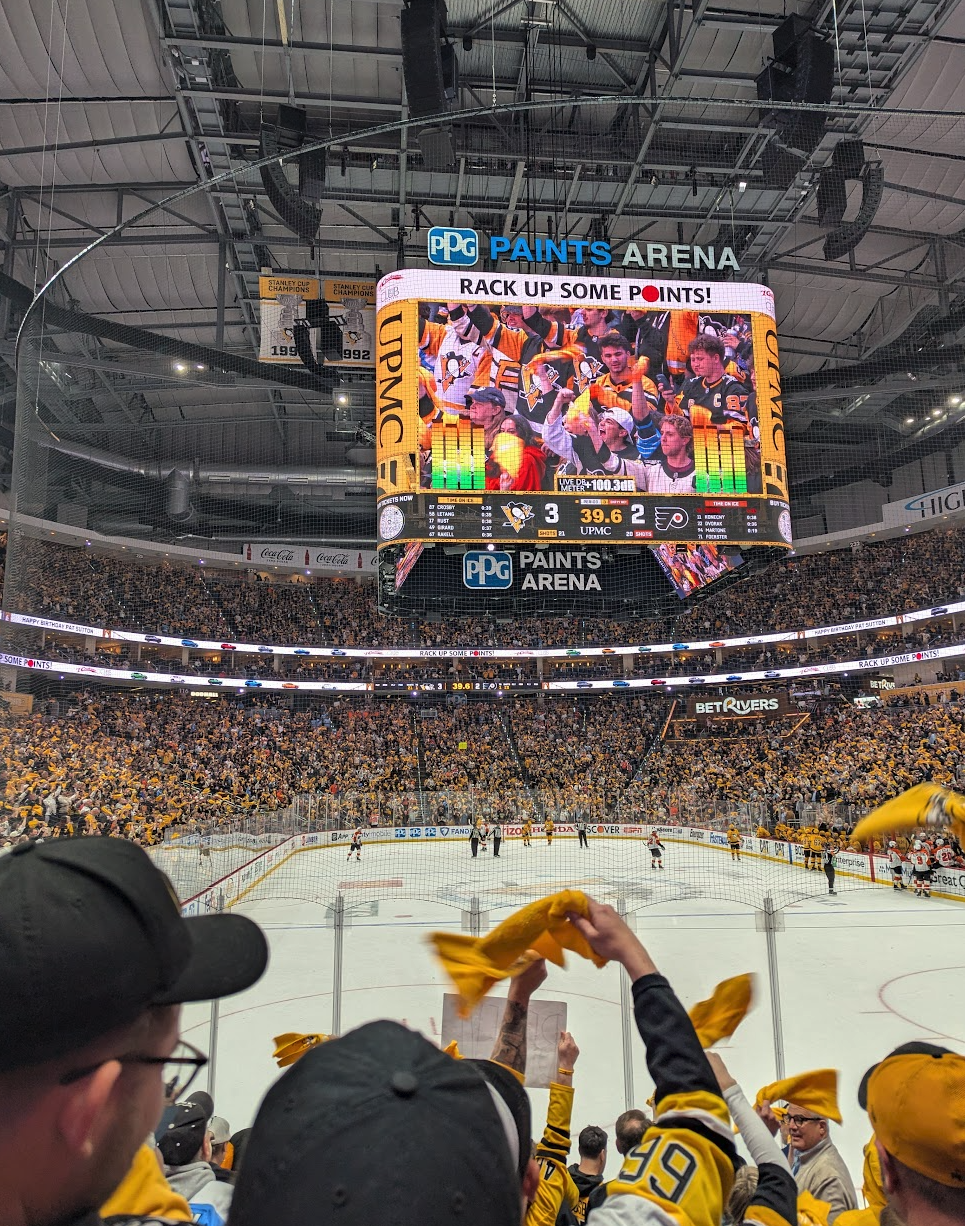

- Long wait for bus home
- Got 71B … right to front door!